Verified bit-perfect
Auralis reads back the format actually negotiated with your DAC and shows TRANSPARENT, BIT-PERFECT or CONVERSION, with the exact reason.

Auralis delivers every sample to your DAC with no hidden processing, proves it on screen, and gives you studio-grade measurement tools. Native on Apple Silicon and Intel Macs, and on Windows.
Video made from real screenshots of the app (royalty-free demo music).
Every process is visible, measured and reversible. Everything else stays untouched.
Auralis reads back the format actually negotiated with your DAC and shows TRANSPARENT, BIT-PERFECT or CONVERSION, with the exact reason.
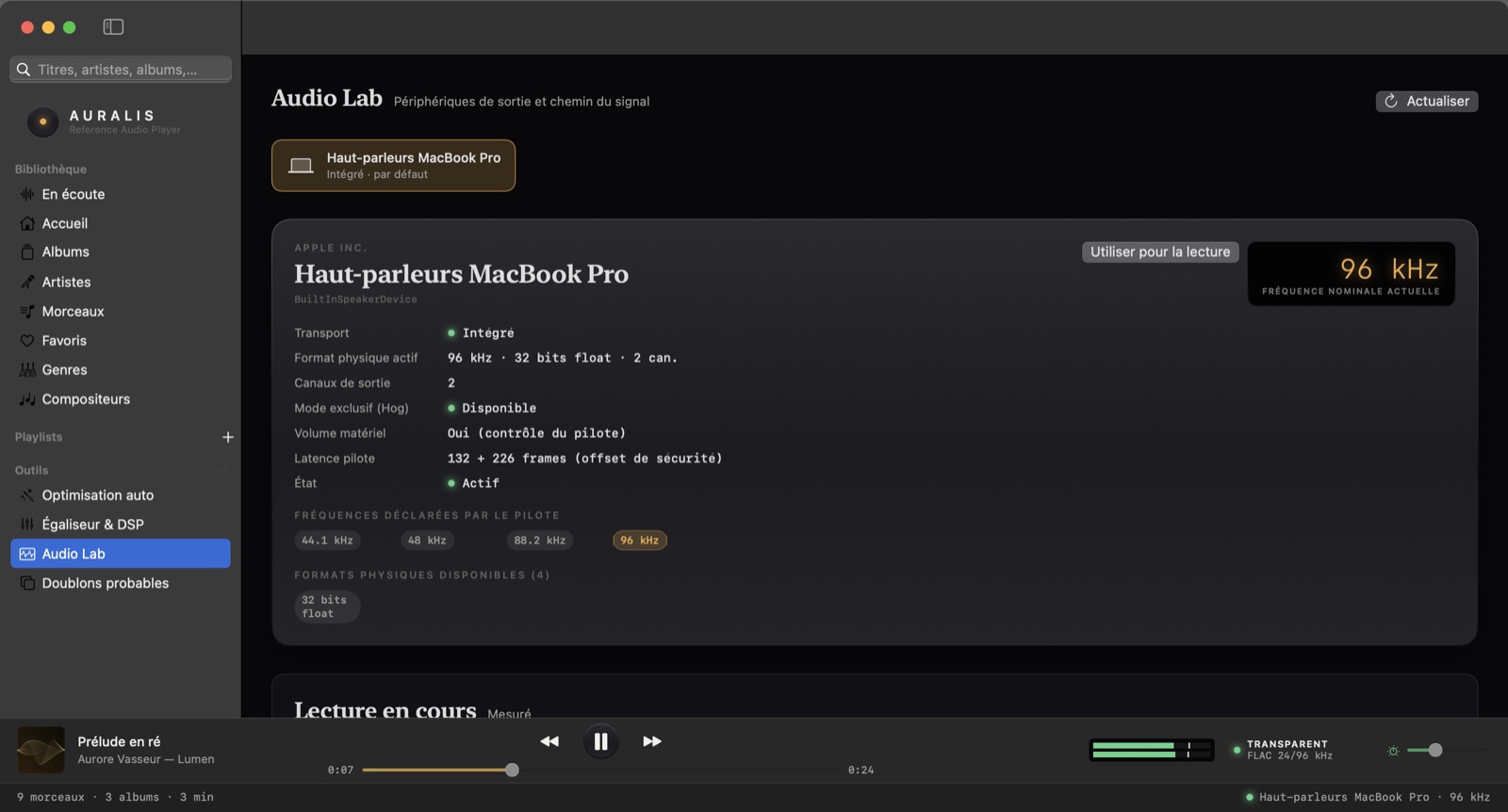
Sample rate switched per track, exclusive (Hog) mode, native integer format, hardware volume, automatic hand-over when you plug your DAC in.
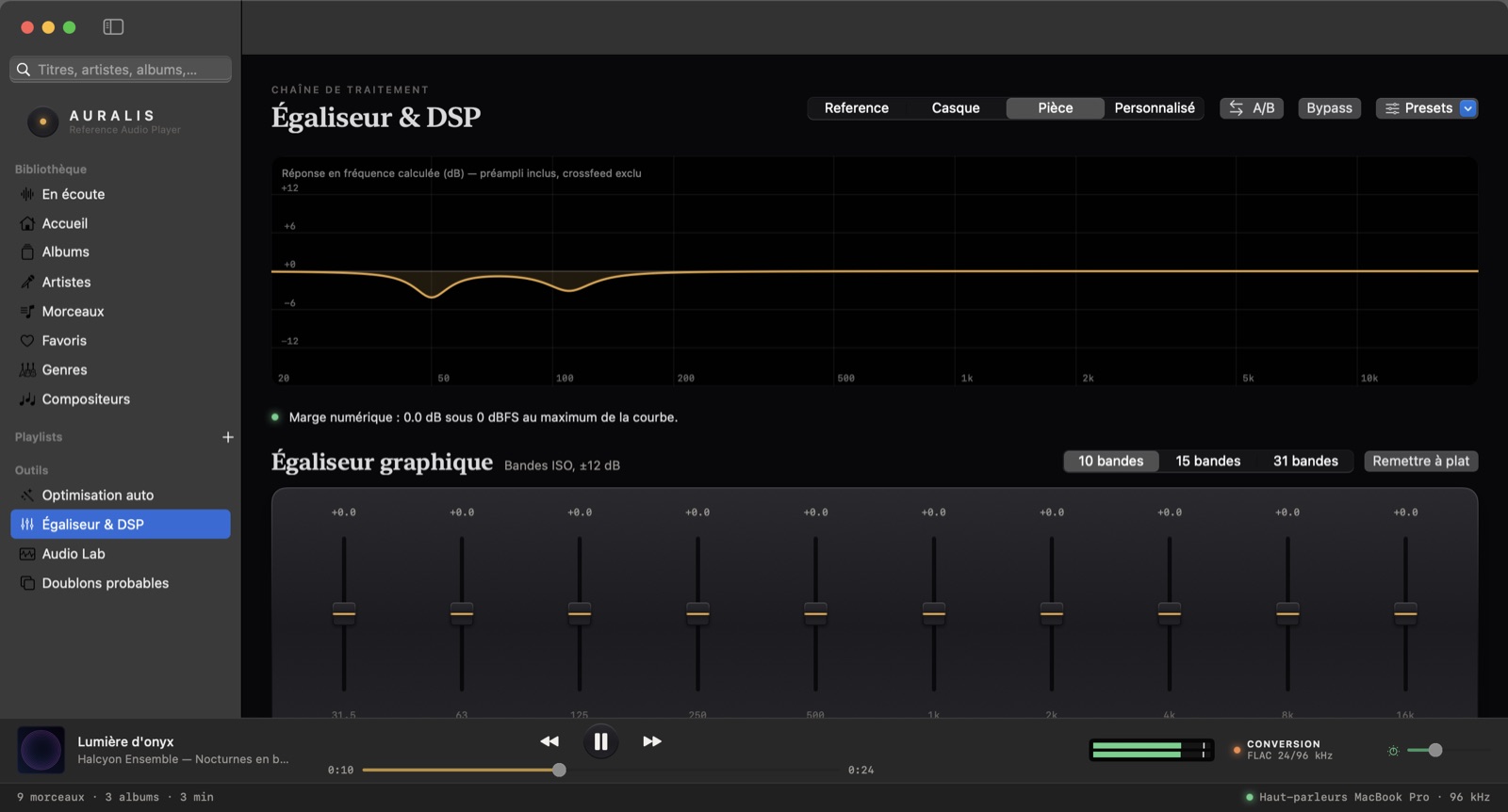
10/15/31-band graphic and parametric EQ, headphone crossfeed, ReplayGain, A/B comparison. Bypassed by default.
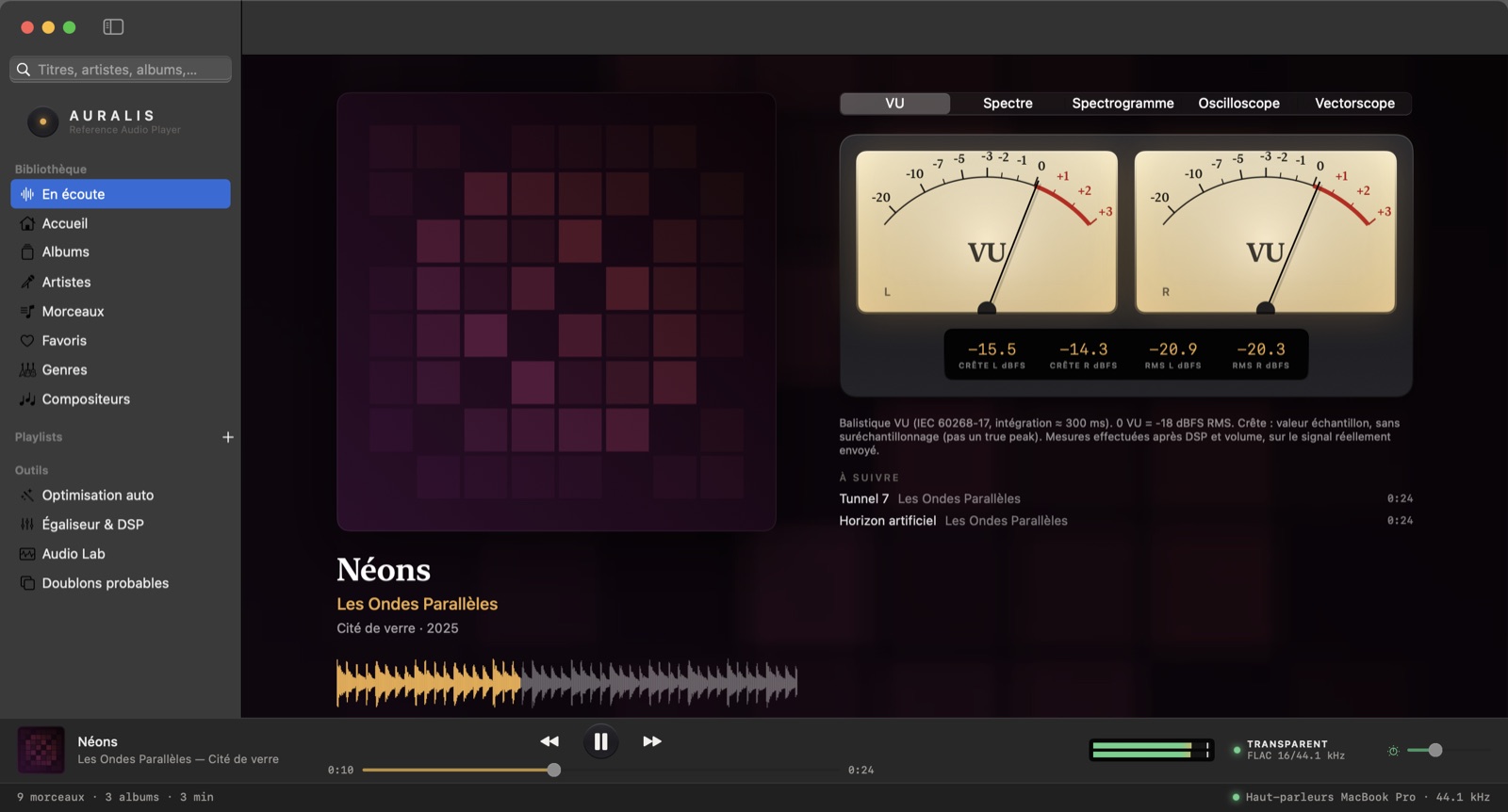
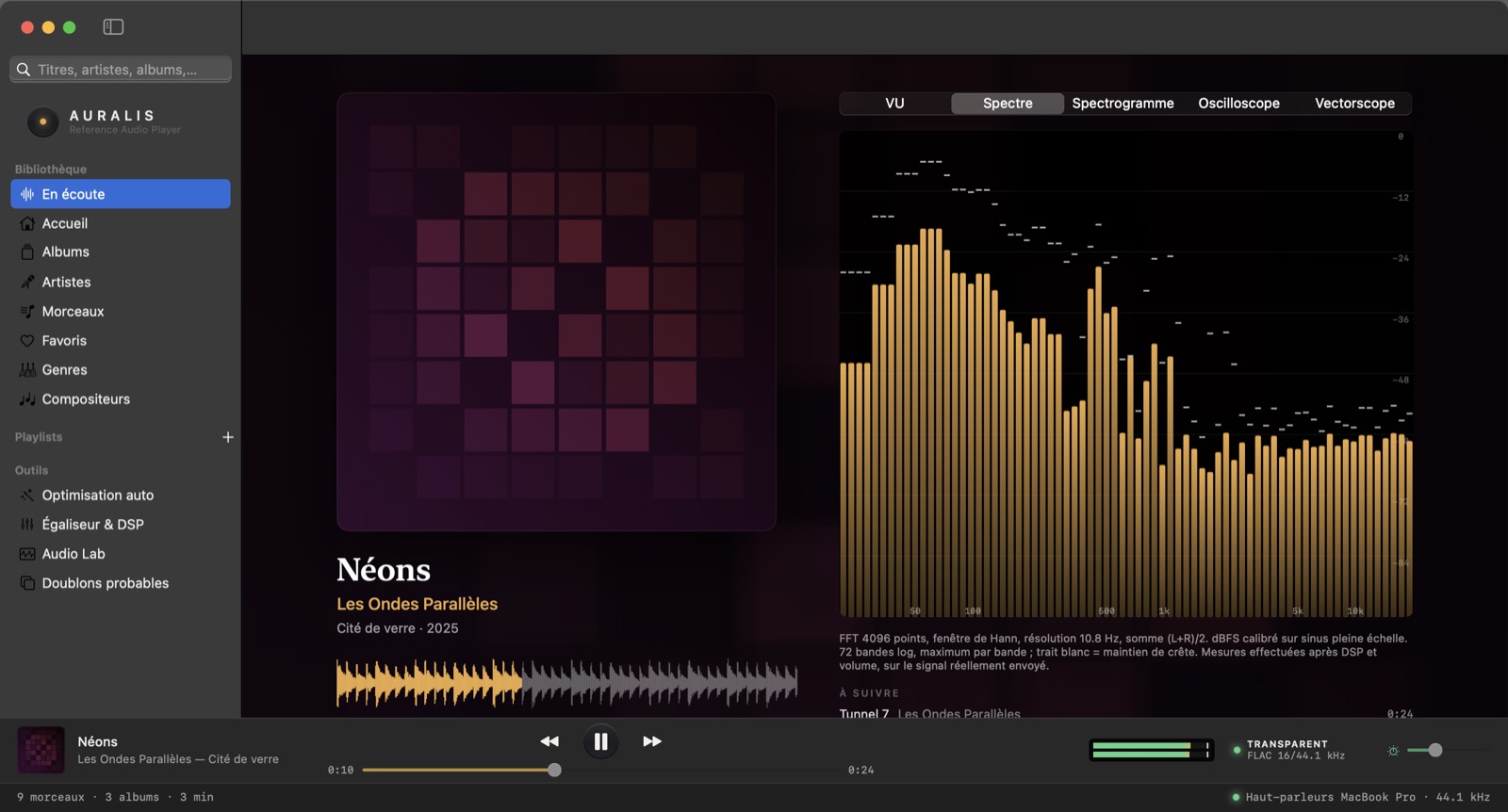
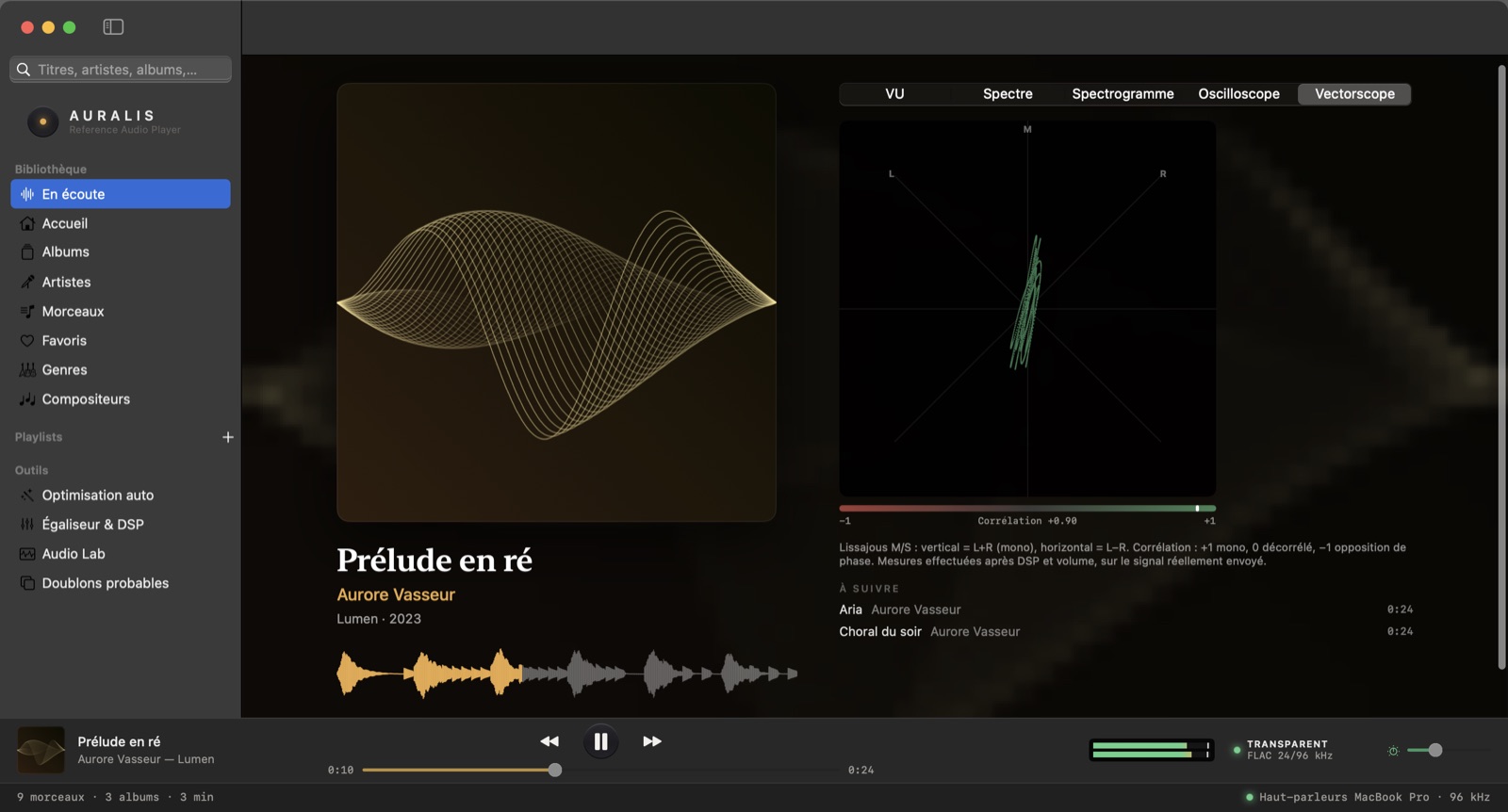
Needle VU meters, FFT spectrum, spectrogram, oscilloscope, vectorscope and EBU R128 loudness — all computed on the signal sent to the DAC.
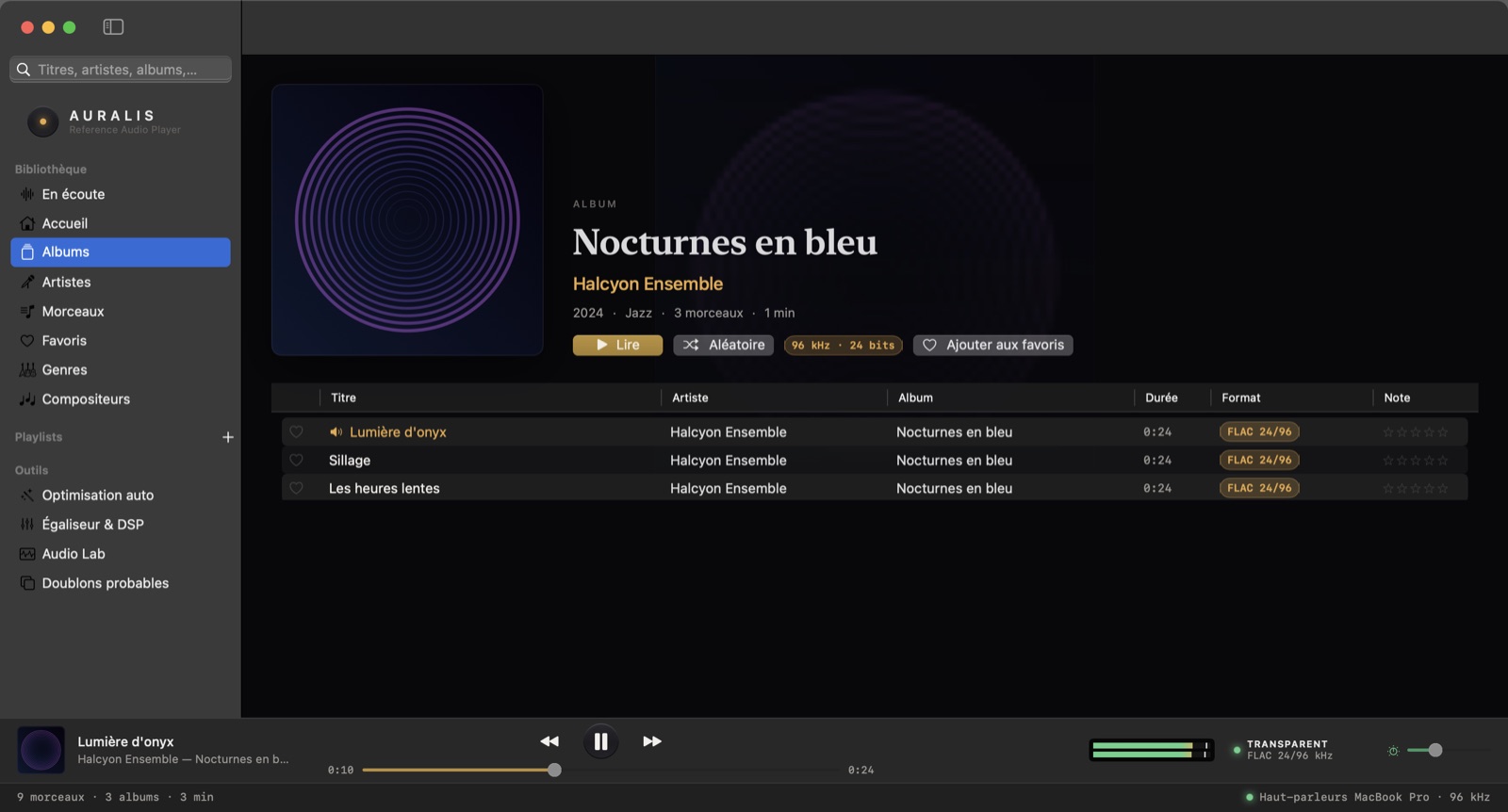
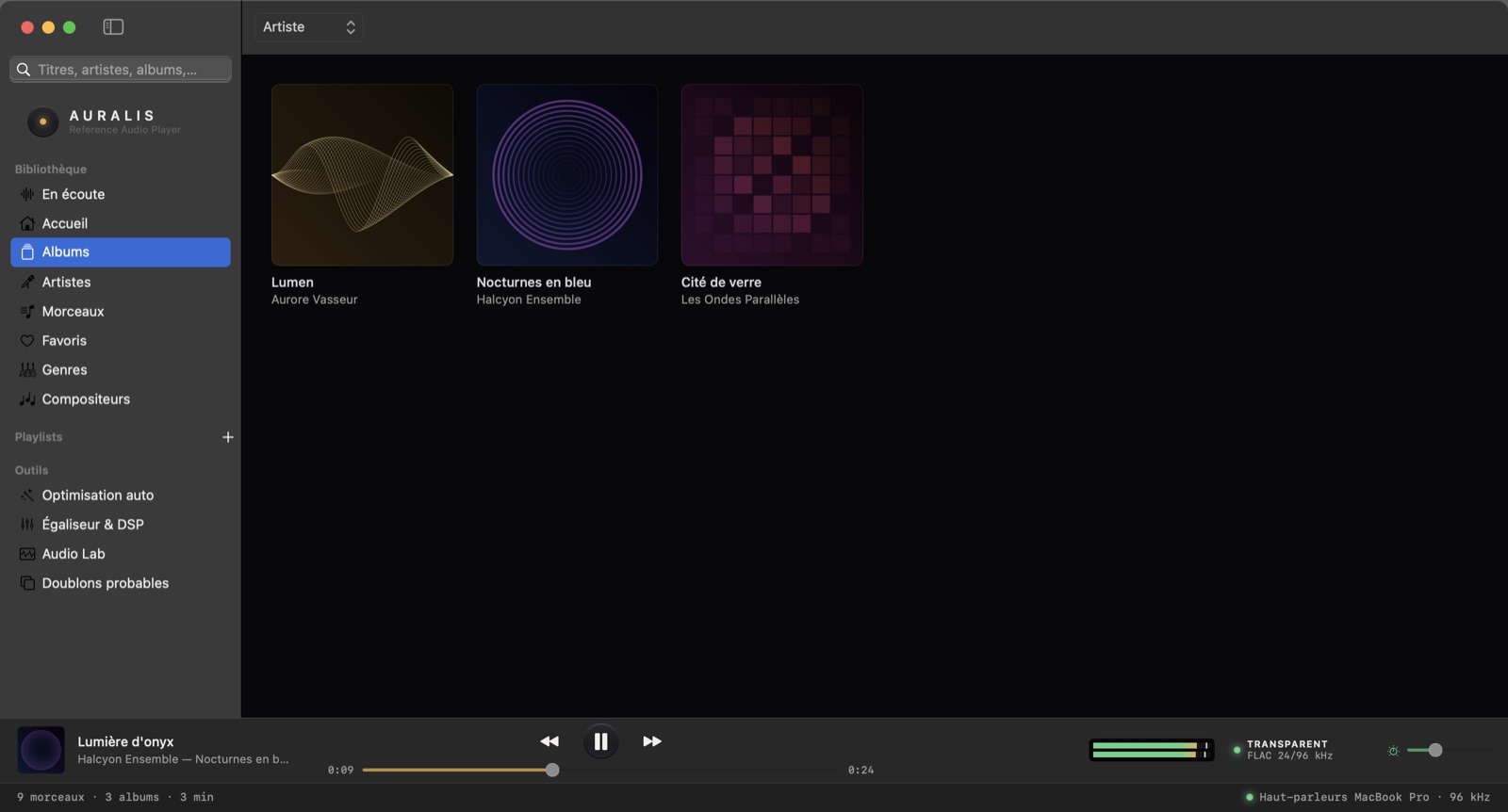
Incremental indexing, instant search, multi-disc albums, FLAC + CUE, DSD, duplicates, M3U/PLS playlists. Tested with 100,000 tracks.
No account, no ads, no telemetry. Your files are never modified. Works completely offline.
The indicator in the transport bar sums up the signal state; one click details every stage from file to converter.
VU meters follow IEC 60268-17 ballistics; the spectrum is a 4096-point FFT calibrated in dBFS. Every instrument shows its units and limits.
The response curve is computed from the filters actually applied. Auralis warns you before any risk of clipping and offers the compensation.
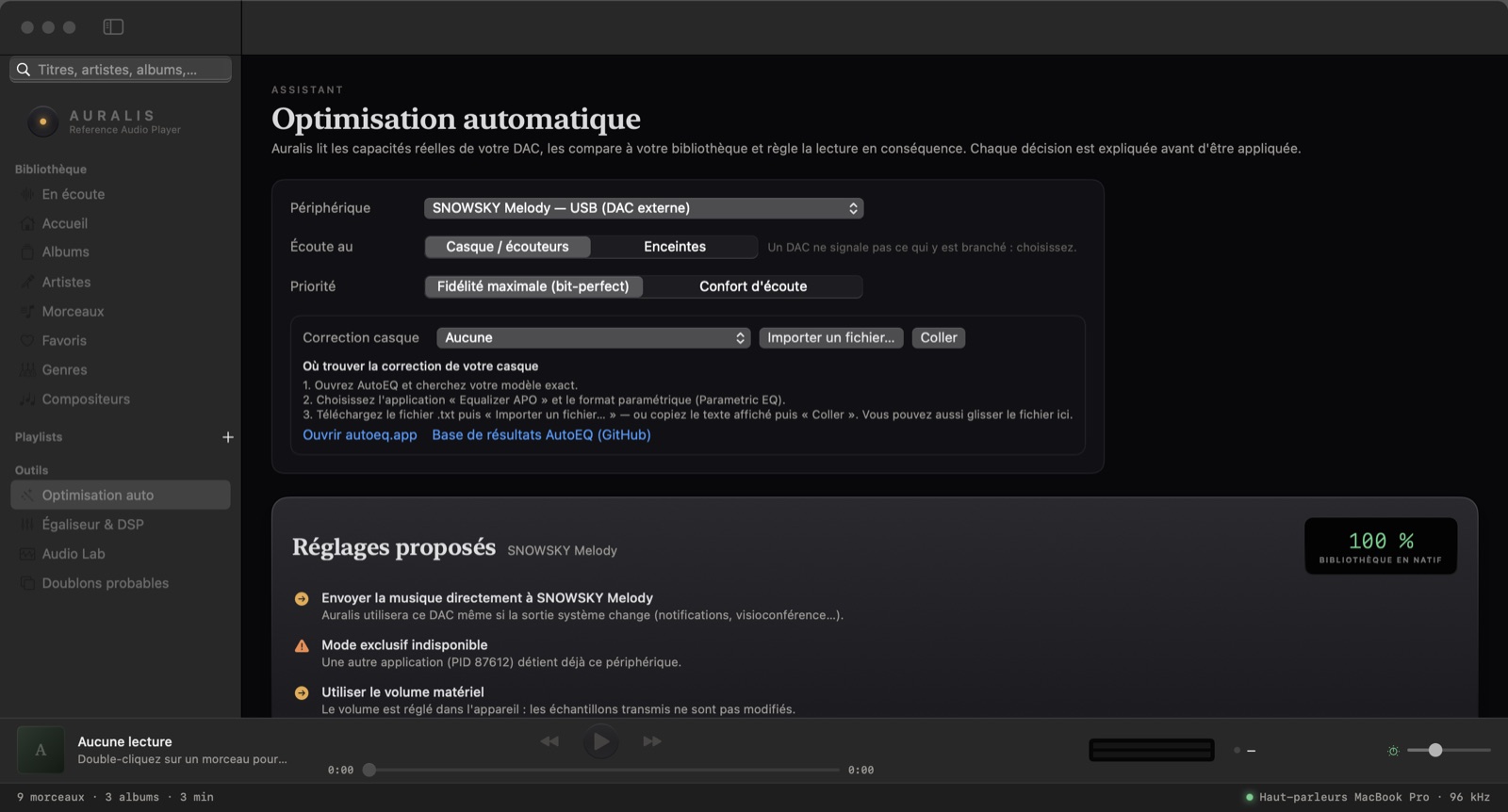
The assistant reads your DAC's capabilities, compares them with your library and explains every decision. Import your headphone's measured correction from AutoEQ.
| Format | Playback | Details |
|---|---|---|
| FLAC | Supported | Up to 32-bit / 384 kHz depending on your DAC; decoding verified bit for bit. |
| FLAC + CUE | Supported | Single-file albums split sample-accurately, gapless. |
| DSD (DSF, DFF) | Supported | DSD64 to DSD512: native DoP or 176.4 kHz PCM conversion. |
| ALAC, WAV, AIFF | Supported | 16/24/32-bit PCM. |
| MP3, AAC | Supported | Gapless (encoder delay honoured). |
| Ogg Vorbis, Opus, WavPack, APE | Soon | Planned for an upcoming release. |
Free. One app, no account, no subscription.
f49c86c1ad039906dcbe381f329f7aee39d6f27a2021316e0c3fda1ece6f2f23First launch: if macOS says it cannot verify the app, open System Settings → Privacy & Security and click “Open Anyway” next to Auralis. You only need to do this once.
The same features as on Mac, for Windows 10 and 11 (64-bit): WASAPI exclusive output in native format, bit-perfect diagnosis, EQ and AutoEQ, DSD (DoP), FLAC + CUE, R128 analysis, spectrum and VU meters, DAC hardware volume, Audio Lab, automatic optimisation for your DAC.
You are visiting from Windows: download the Windows version here (the Mac version will not run on your computer).
Per-user install, no administrator rights needed. Portable version available.
Download the Windows installer (.exe)or the portable version (.zip, no install)
SHA-256 : 400a1096bfcaa3e314b8b479f91029ad4113819fad32a0d8be53fdac2a7a9a21
52b7573f201e083726200d07e4a27fe90ee92cca9969216381e9fa14378b305bFirst launch: Windows may show “Windows protected your PC”. Click “More info”, then “Run anyway”. If something goes wrong with your DAC, open Settings → “Copy diagnostic report” and paste it into an email to contact@auralisaudio.org with your DAC model.
Technical article: decoding, real-time buffer, Core Audio, exclusive mode and native integer format. What Auralis checks, what its automated tests prove, and what cannot be verified.
How to listen to FLAC on a Mac without converting, in high resolution and gapless: why Apple's Music app can't, and the free Auralis player.
What bit-perfect playback means, why macOS doesn't guarantee it by default, and how to check that your DAC receives exactly the samples in your files.
How to play DSD64, DSD128 and DSD256 files on a Mac: DSF vs DFF, how DoP works, PCM conversion and recommended settings.
A practical guide to using a USB DAC or headphone amp with a Mac: output selection, sample rate, exclusive mode, volume and AutoEQ headphone correction.
How to get bit-perfect playback on Windows 10 and 11: WASAPI exclusive mode, native integer output, DAC hardware volume, and how Auralis verifies it.
Auralis plays FLAC, ALAC, WAV, AIFF, DSF and DFF on Windows 10/11: DSD via DoP or converted to PCM, CUE, gapless, ReplayGain, EQ and AutoEQ. Free, no account.
Yes. No subscription, no ads, no account to create.
The file's samples reach the DAC with no modification at all: no resampling, no mixing, no software volume. Auralis checks your DAC's actual configuration and only says so when it is true.
Any DAC recognised by macOS works. Auralis reads its declared rates and formats, switches the rate for each track and offers exclusive mode when the driver allows it. Verified models are listed on the “Compatible DACs” page.
Yes (DSF and DFF, DSD64 to DSD512). By default they are converted to 176.4 kHz PCM, which works everywhere; DoP mode sends native DSD to compatible DACs.
Never. Indexing reads files without touching them; favourites, ratings, playlists and analyses are stored in Auralis's own library.
No, unless you turn on update checks, which only fetch the latest version number from this site, with no personal data.
Yes, for Windows 10 and 11 (64-bit), with the same features as on Mac: WASAPI exclusive output, EQ, DSD, CUE, measurements and Audio Lab. If your DAC misbehaves, the built-in diagnostic report helps us fix it quickly.